Service Pro
A mobile app for installers to setup screen-less charging stations in EU and NA. Helped ChargePoint win Toyota deal.
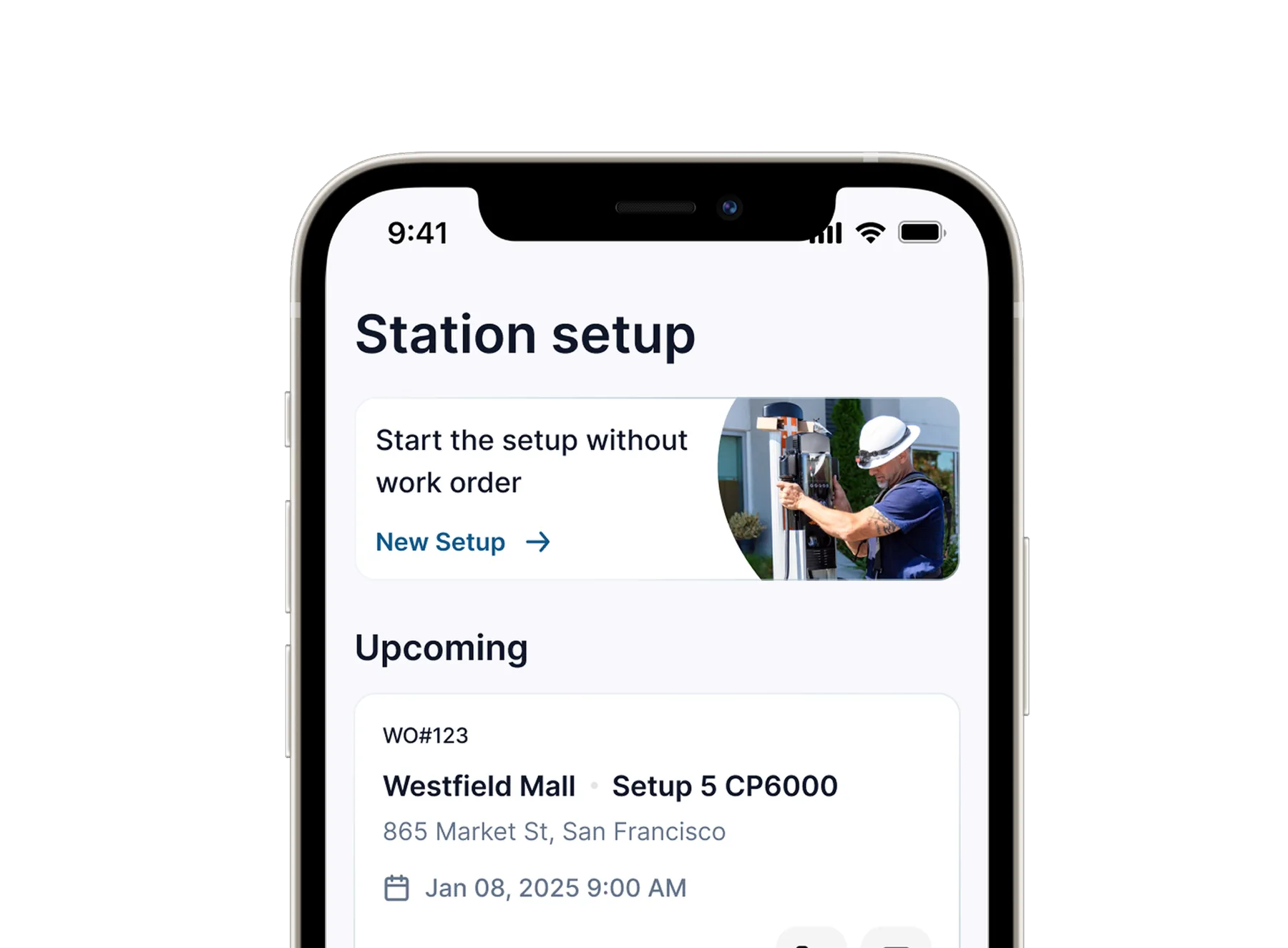
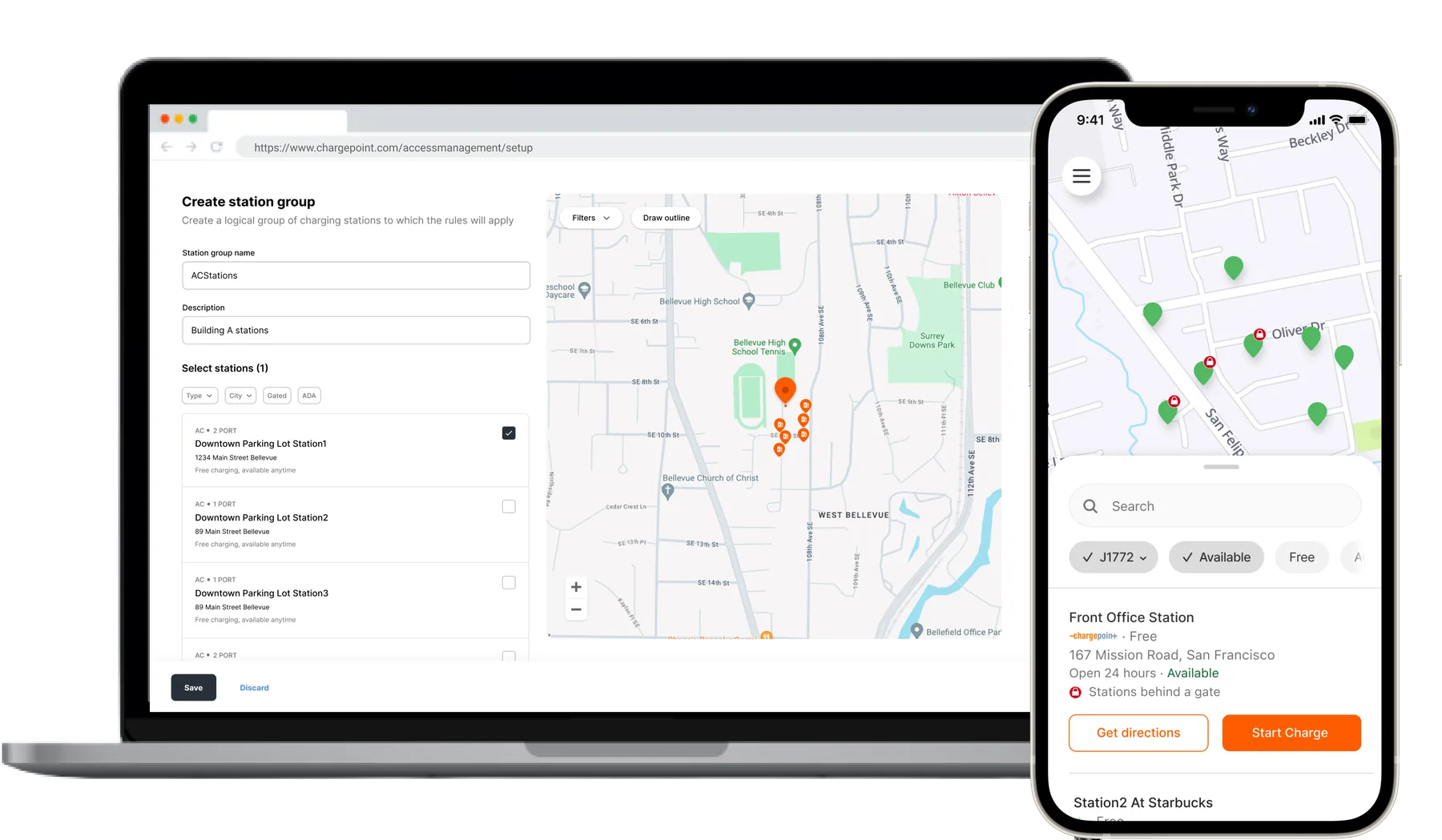
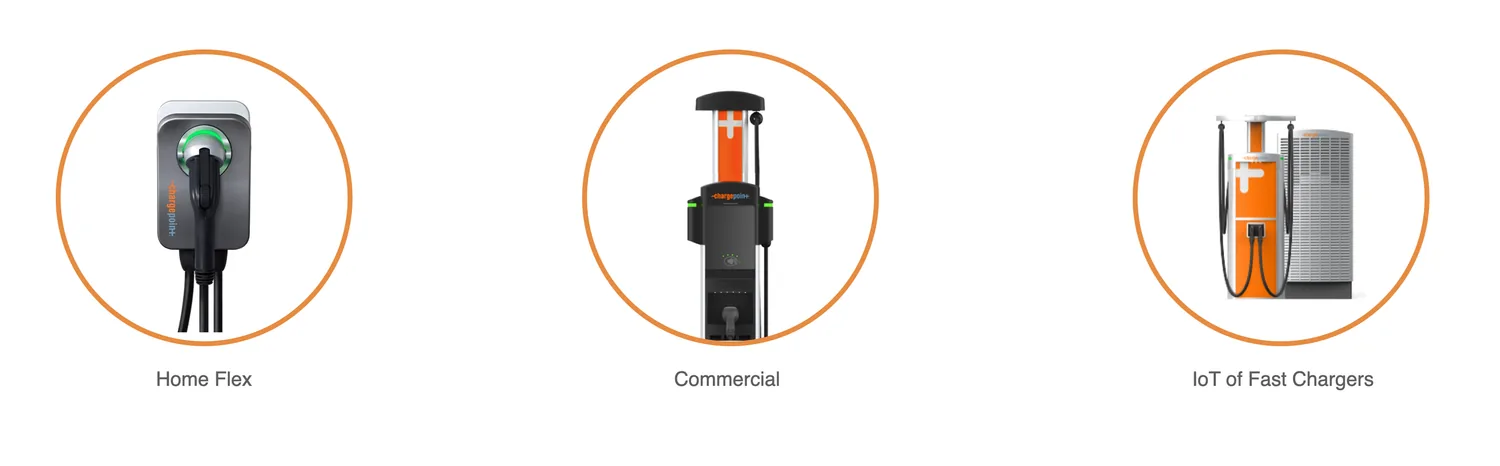
ChargePoint makes different commercial, home and fast EV charging stations. Installers need to set them up using station UI on the field after assembly. This makes sure stations dispense right charge safely and are plotted correctly on the map for EV drivers.
ChargePoint is coming up with new line of screen-less charging stations to reduce cost. Need an efficient and scalable way for installers to set such stations as:
- There is no way for installers to set up screen-less stations
- Error prone processes pose a safety risk
- Company is losing trust with installers due to complex processes
Business opportunity
- Reduce time to get the stations up. Took 6 months on an average.
- Reduce setup related support cases. 20k setup related cases
Design experience for installers to setup screen-less charging stations.
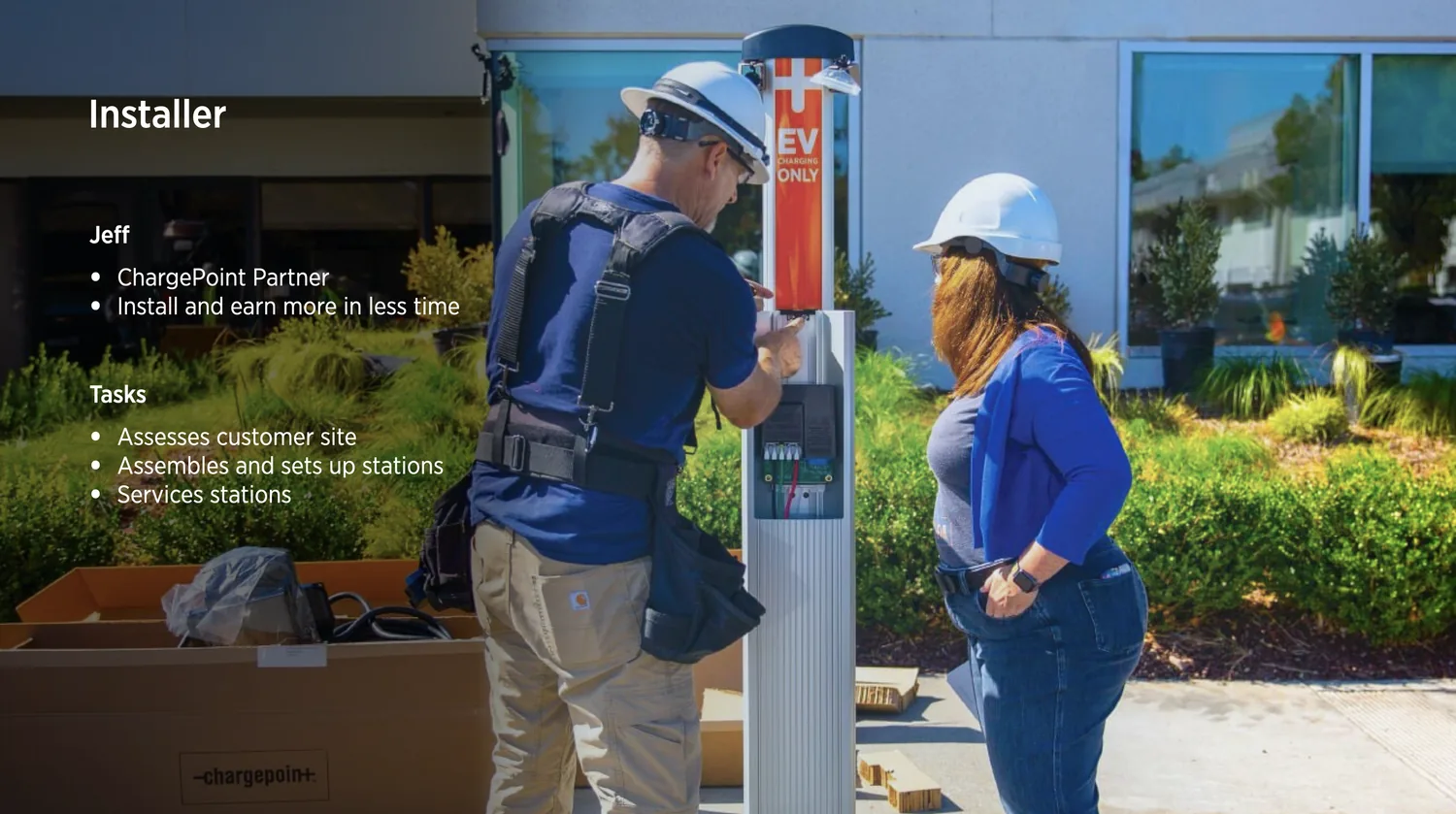
Biggest question product and dev team were assessing was if we need a new app or if tweaking existing would be sufficient. Being new to the hardware and the installation processes devised a research plan to understand different install processes, users involved, their pain-points and devise a path forward.
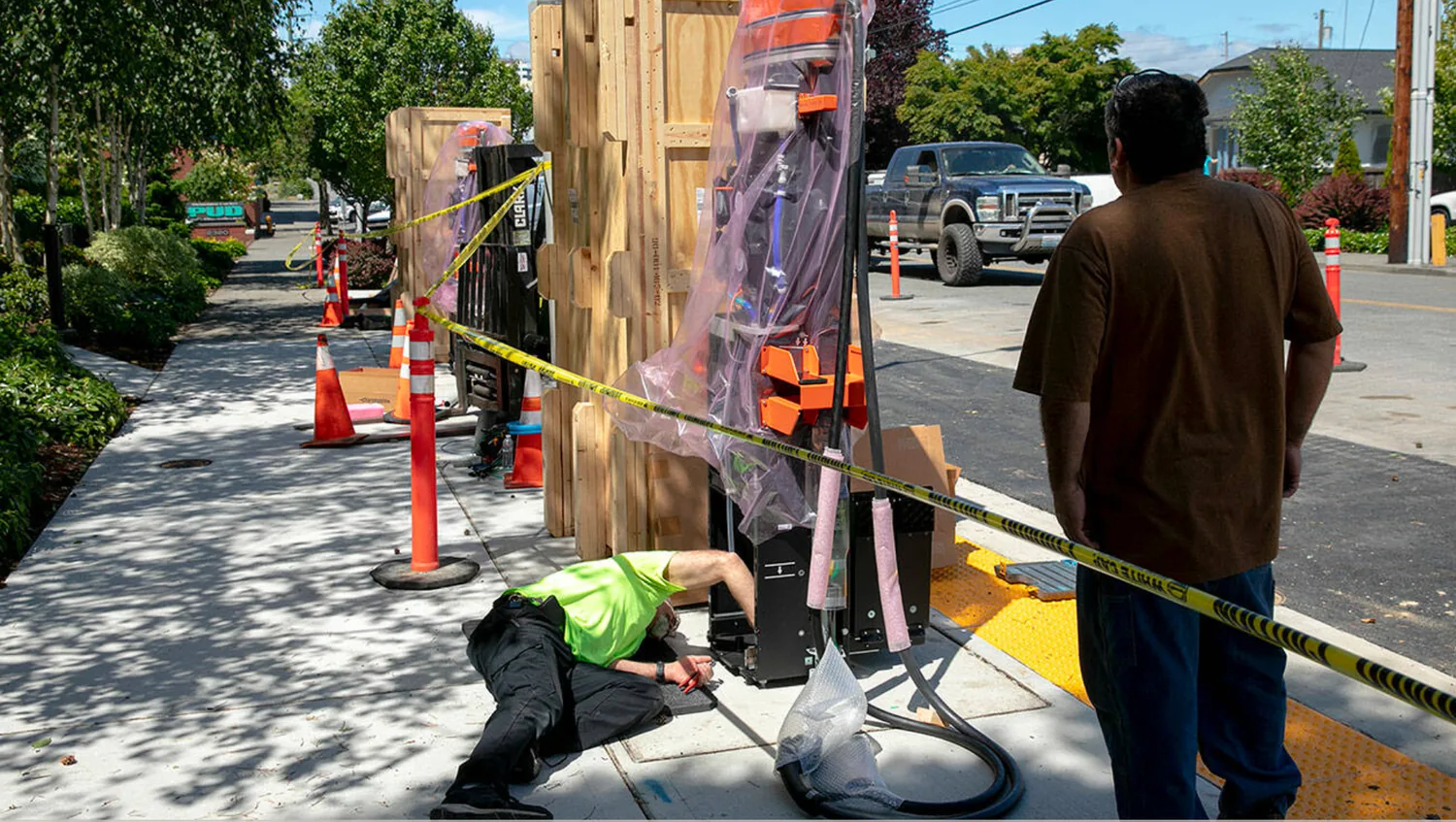
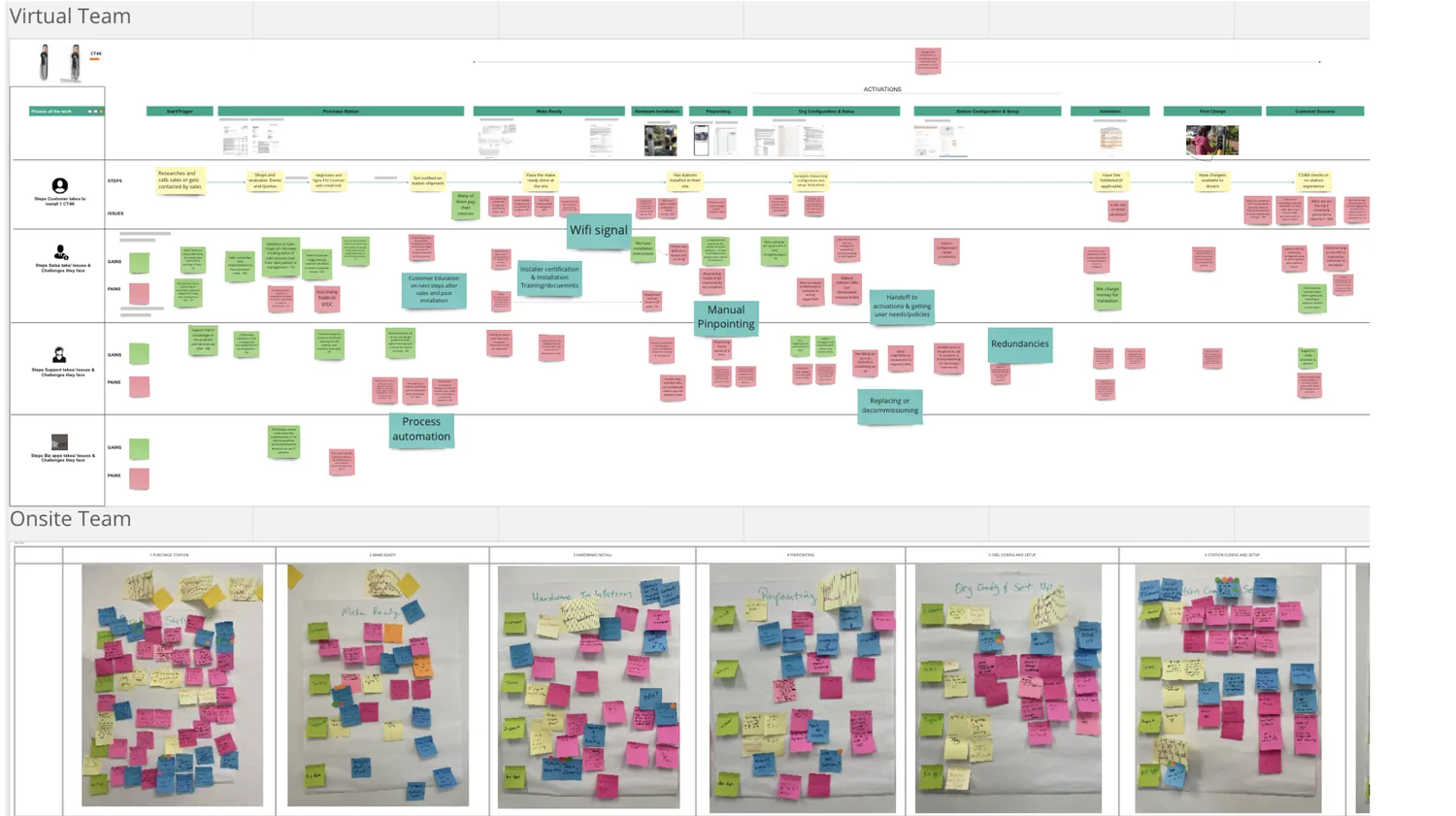
To understand context, workflow and pain-points of installer
Key installer issues and troubleshooting workflow
Comparative analysis for setup processes
- Critical work order and wiring information trapped in upstream systems
- Connectivity issues prevented successful completion of process and project
- 20k support cases currently to link the installed station to customer
- 8 of 10 installers don’t complete the set up.
- Non-functional stations frustrated EV drivers and station admins
Design a mobile app for installers to let them setup screen-less commercial charging stations
Brought stakeholders together to storyboard the future state. This helped team get alignment and agreement on path forward.
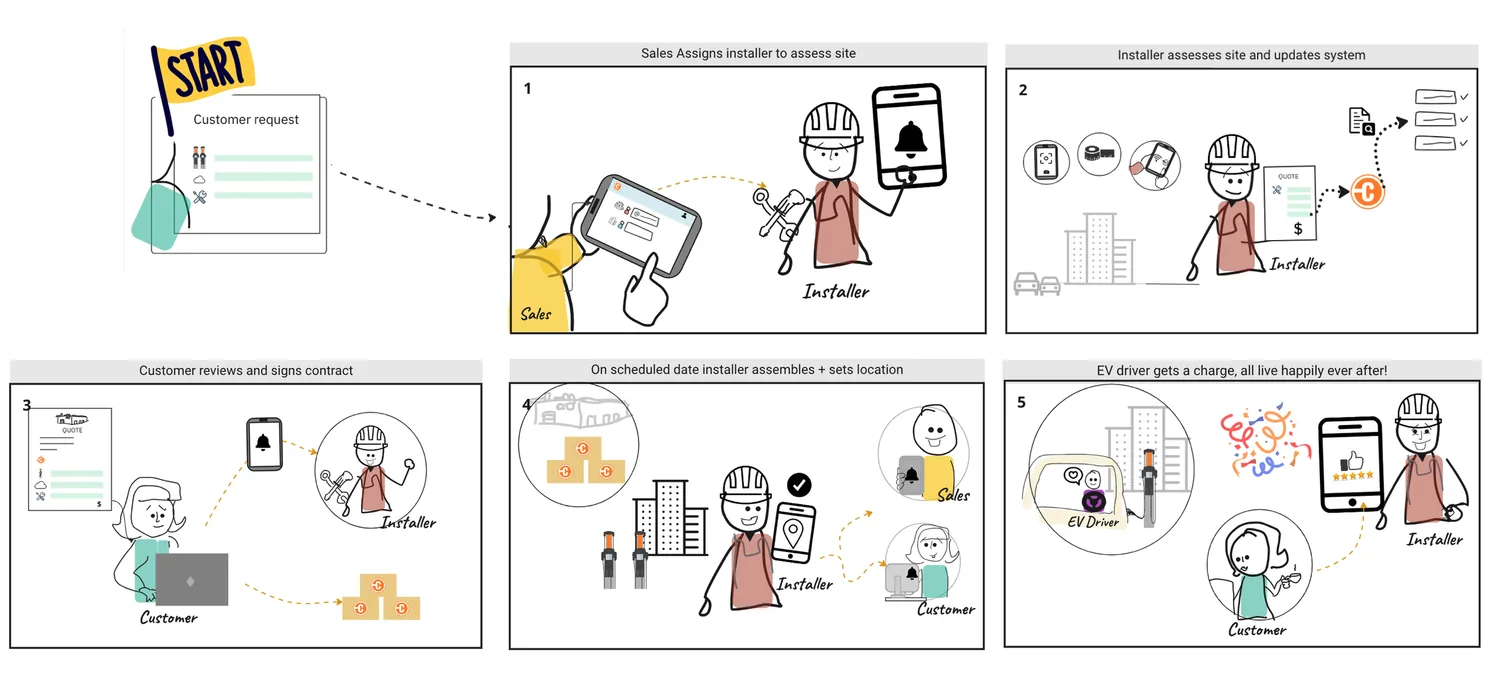
Medium (Commercial) complexity
Let’s first consider the Medium Complexity. In the Existing Process if we just look at the Setup Phase, it can be broken into following key stages:

Identify
Installer previously had to enter a cumbersome 12-digit code to identify each station before setting it up. 8 of 10 setups were left half done due to weak signal. The app uses a unique 6-digit code instead and allows QR code scan that allows app to pair and transfer setup details over Bluetooth.
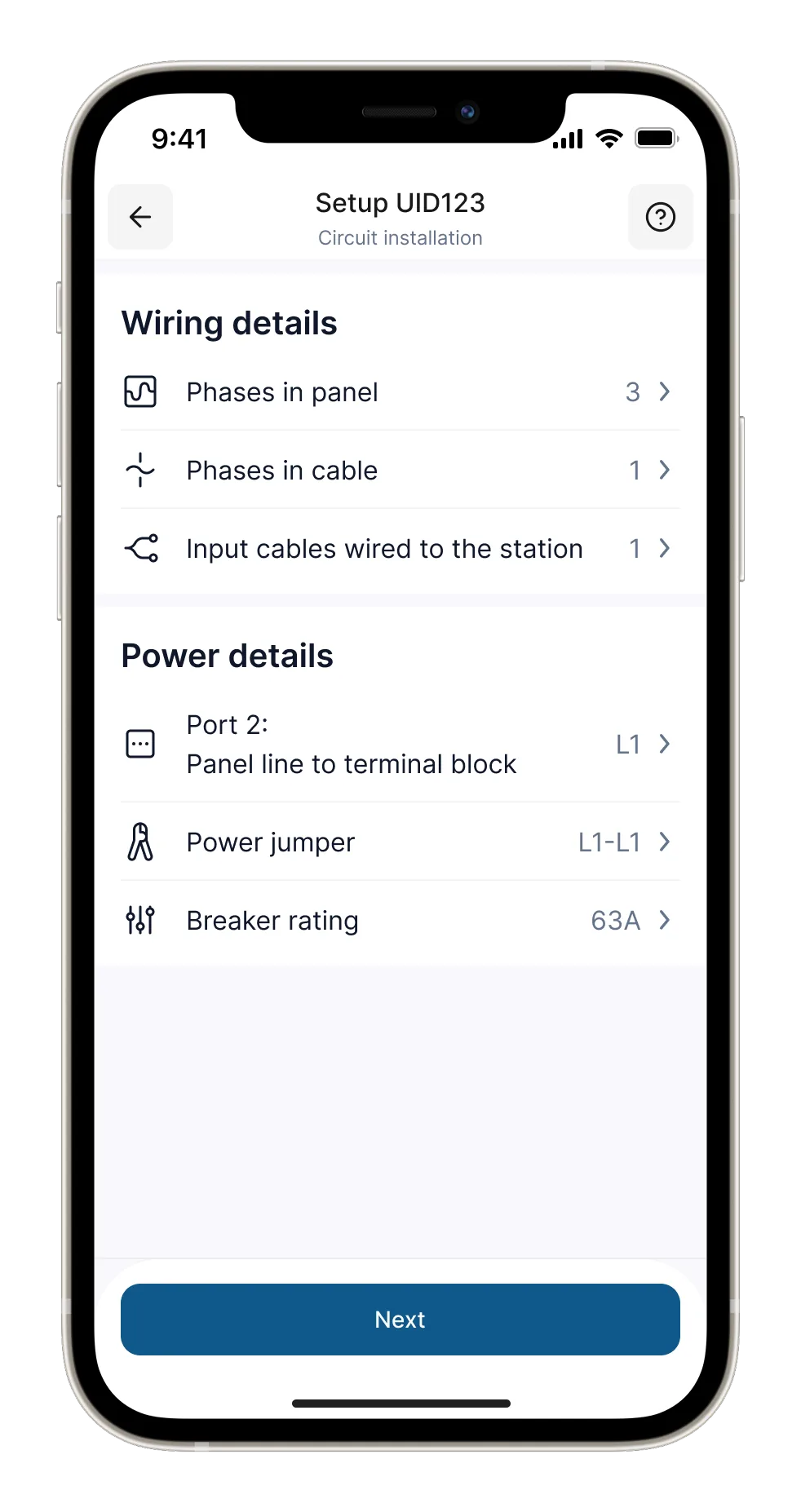
Wiring Details : 12 different configurations for EU and NA
Installers currently have to manually add wiring details on the field because the same information collected earlier in the process is locked away in pdfs in other tool. Through integration app minimizes data entry on the field and provides defaults that just need to be reviewed.
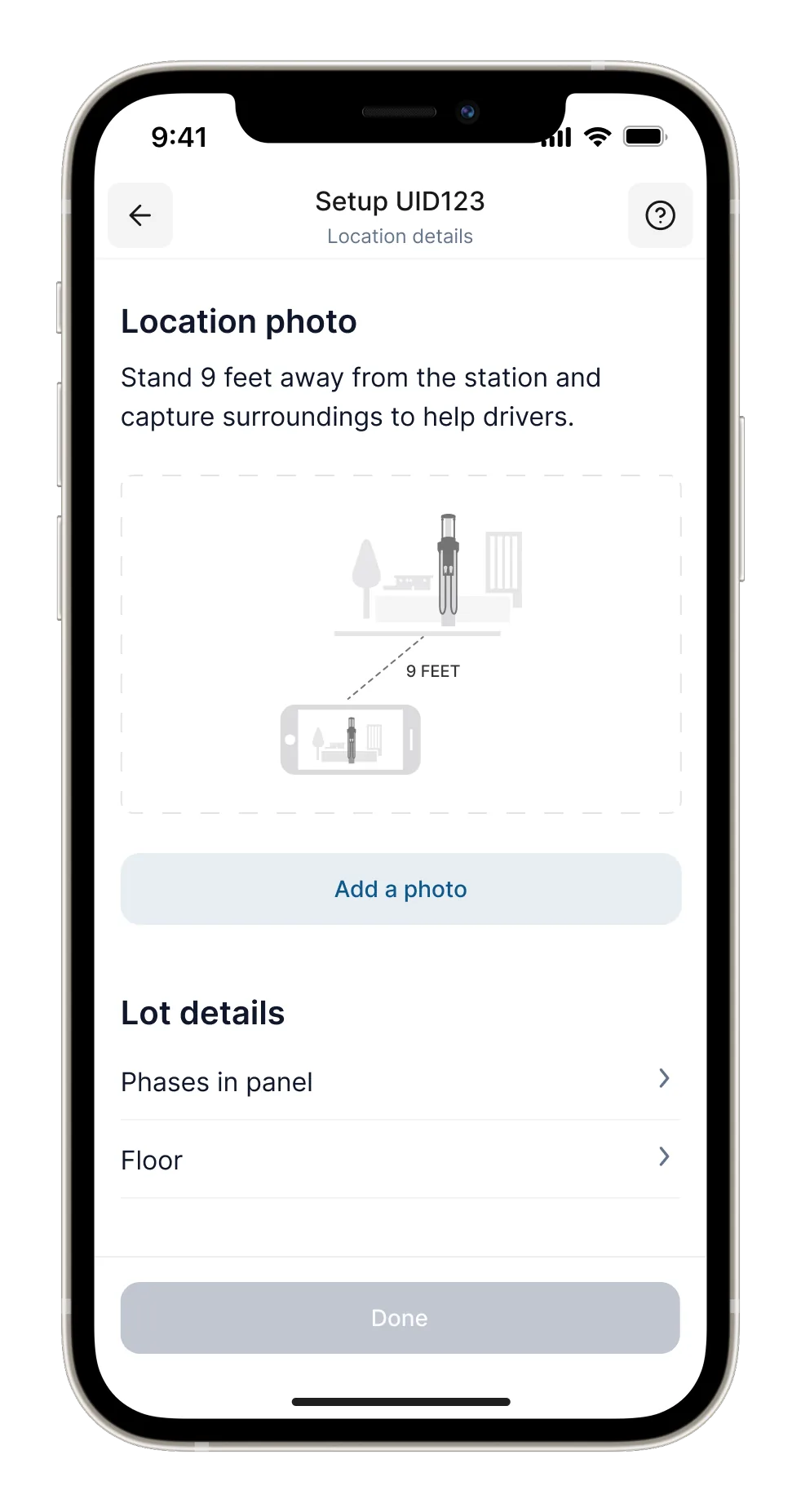
Location details
Location photos help EV drivers find charging stations in the last mile, but most uploaded photos today only showed close-ups of the station. Sophisticated phones take large photos that take time to upload. Defined micro interactions in app to take and upload photos efficiently and in landscape view to capture more details.
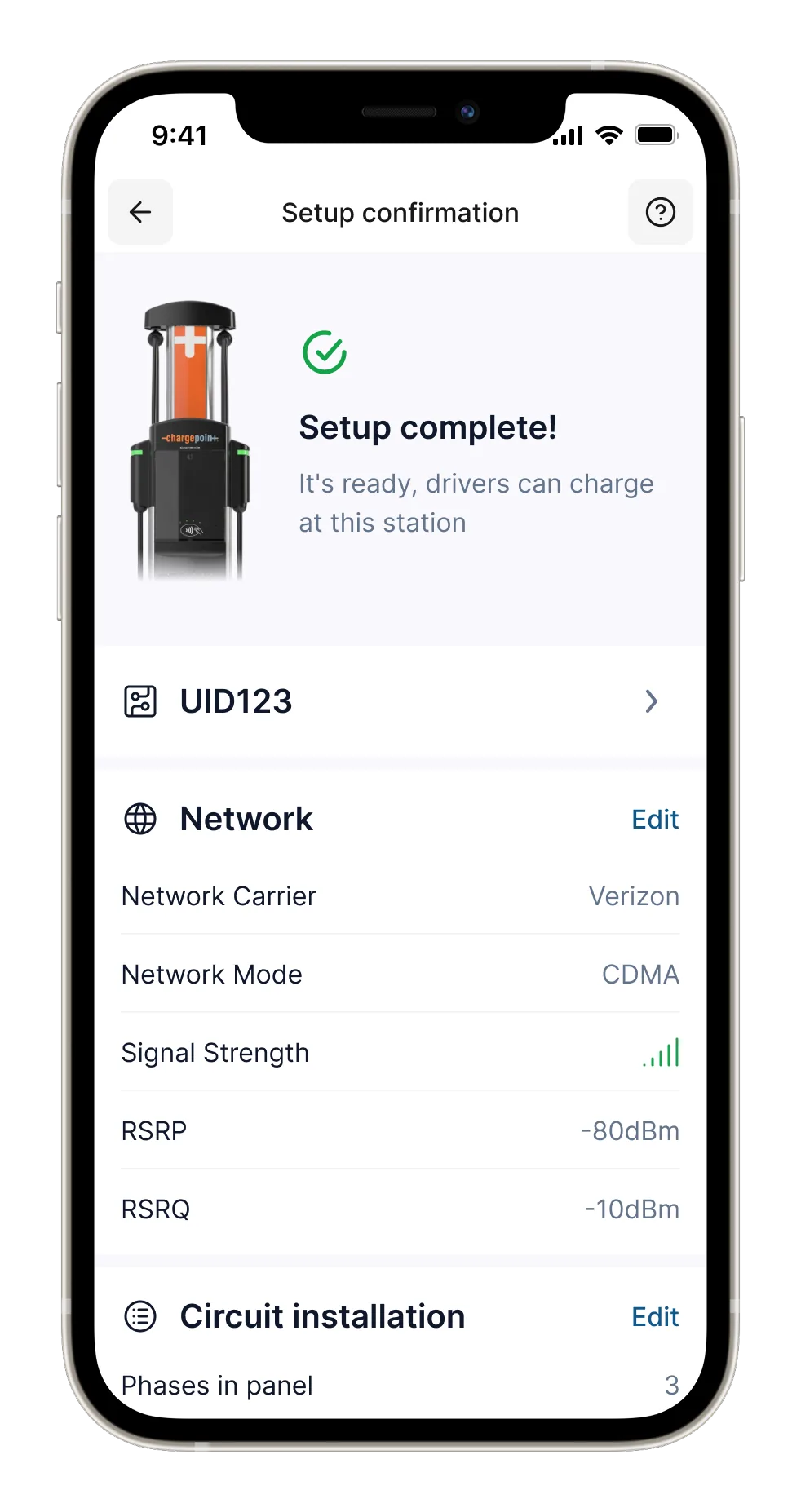
Confirmation
Confirmation instills confidence that the work installer did was successfully completed. Customer is automatically notified that the stations are available for charging.
Keeping “Task first” model in mind explored multiple options to keep the navigation simple and flow straightforward making sure it can cater to simple setups (like in home chargers) as well as complex setups (like in fast chargers) in different regions.
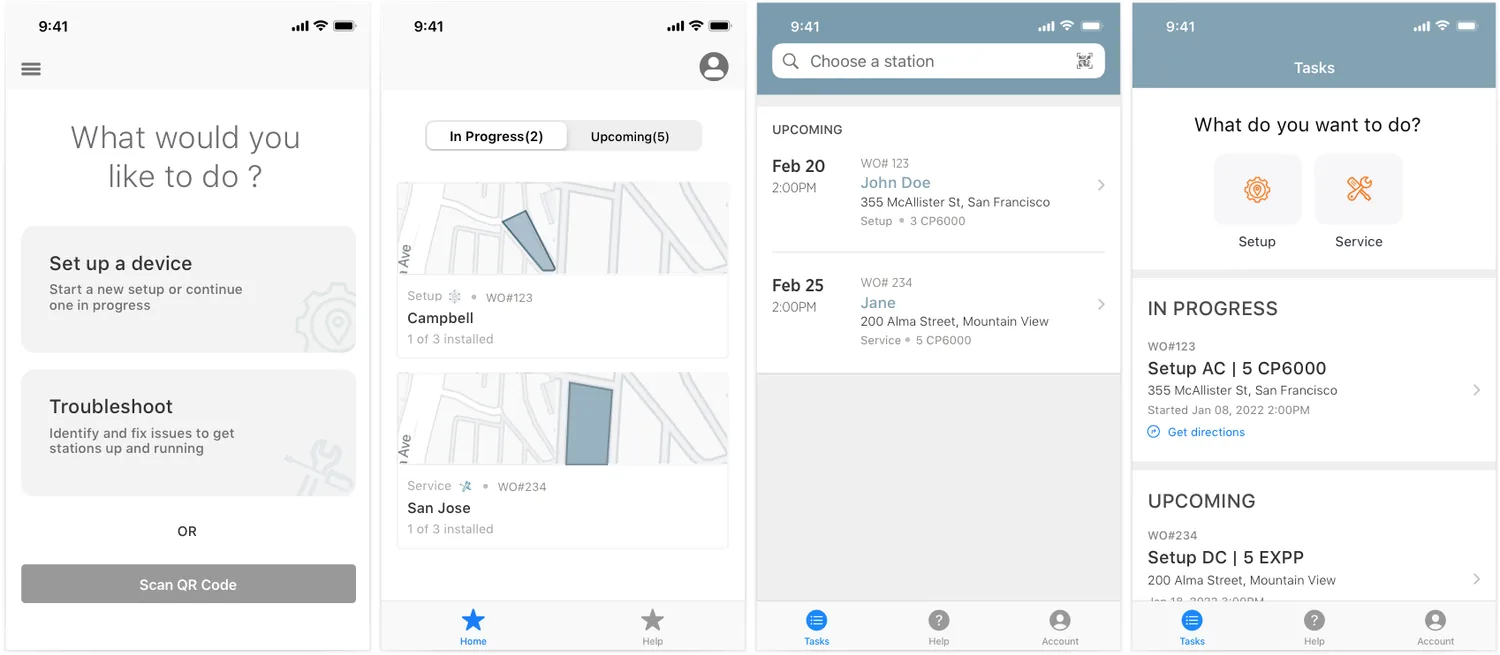
Conducted usability sessions with 9 participants in EU and NA. An important finding that came out of usability testing was that there was no feedback from the station when pairing with the app confusing the users. Users relied on station LED lights to understand what state the station is in. But the LED state when pairing with an app was missing all together. I took up the challenge to propose the new state.
Green nods when station pairs with the app
Complex (Fast charger) setup
The app flows need to be flexible and scalable to setup fast chargers as well which is a complex IoT (Internet of Things) system. A few steps get added on the Commercial setup process to bring up a system

Simple (Home charger) setup to Win Toyota deal
There were some recent incidents where EV drivers setup wrong power settings on installed home stations. The concerns of EV drivers setting up Home stations incorrectly, putting themselves, the car and the grid in danger, was a deal breaker for Toyota. Due to this escalation team had to readjust it’s roadmap to enable installers to setup Home Chargers in Service Pro first and save partnership with Toyota. Simplified the simple setup further in app to launch Minimum Lovable Product (MLP) due to the escalation. This helped us win $MM deal with Toyota.
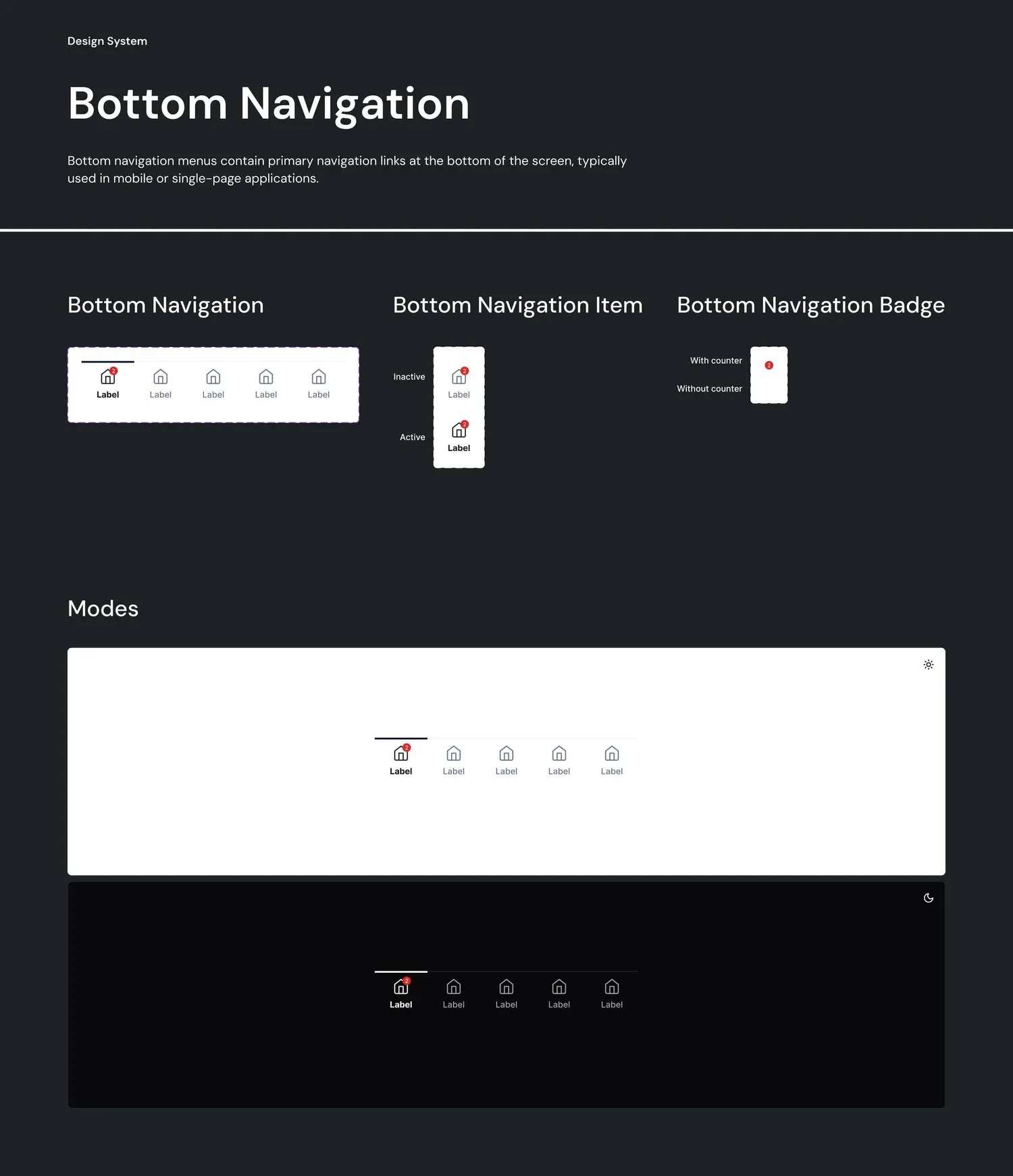
Designed workflows in Android following material design components and interactions guidelines.
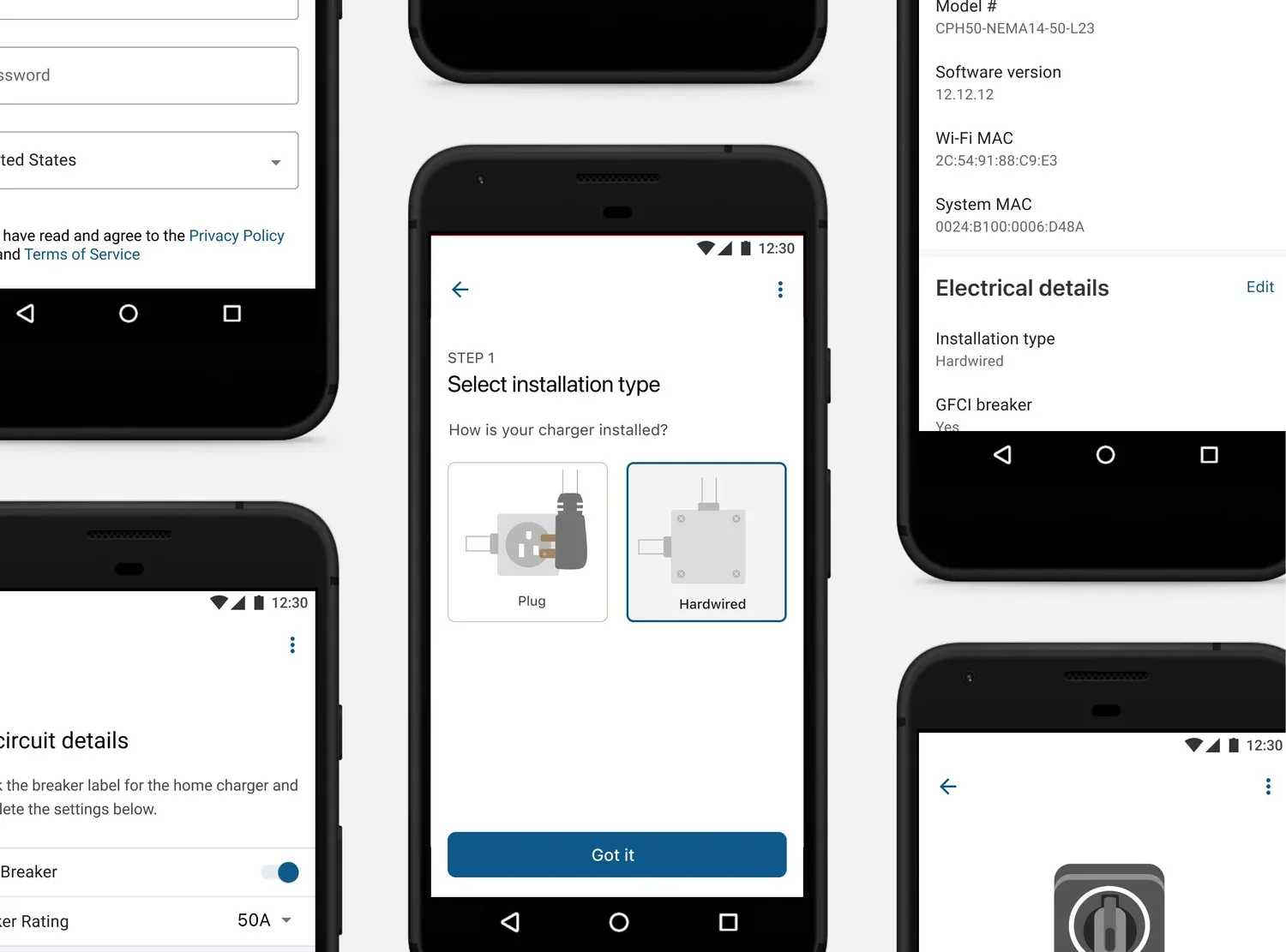
Use service design mindset to understand technicalities of the system and provide a wholistic change
Conducting workshops online across regions
Carefully facilitating discussions between stakeholders to avoid deadlocks and continue to make progress
It’s a rigorous process to design and launch a native app from scratch
Similarities and differences between Apple’s Human Interaction Design guidelines and Material design